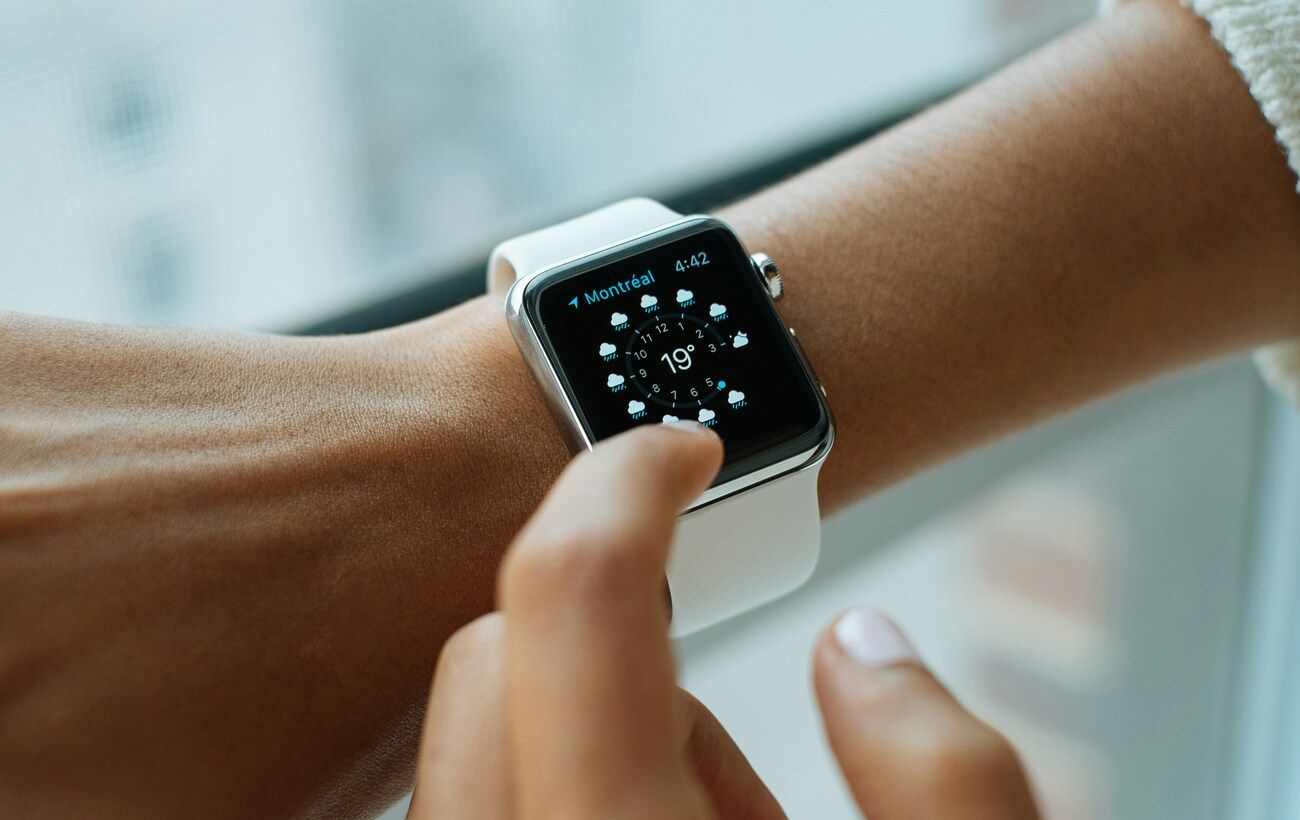
The Apple Watch is often seen as a natural extension of the iPhone, yet users frequently encounter various technical issues. The most common complaints include sudden disconnections from the smartphone, rapid battery drain, workout tracking errors, and difficulties in updating the operating system.
Connection Problems
When a red cross or silhouette of an iPhone appears on the Apple Watch screen, it indicates a loss of connection. To address this issue, users should:
- Ensure both devices are unlocked and within proximity.
- Check that Airplane Mode is disabled on both devices, and that Bluetooth and Wi-Fi are enabled on the iPhone.
- Restart both devices. If the connection is still not restored, unpair the watch through the Watch app on the iPhone and attempt to reconnect.
- When connecting a new Apple Watch to an older iPhone (or vice versa), it is essential to have the latest software versions on both devices and to use the same Apple ID.
If these steps do not resolve the issue, a complete reset of the watch may be necessary.
Rapid Battery Drain
Accelerated battery depletion can result from natural wear or specific usage patterns. Users can check the battery’s health directly on the watch by navigating to Settings -> Battery -> Battery Health. If the capacity is critically low, a physical battery replacement is required.
If the battery appears to be in good condition, high energy consumption may occur when the watch is used far from the iPhone. In this mode, the device must:
- Update data independently,
- Utilize cellular connectivity (in LTE models),
- Engage built-in speakers for audio playback,
- Activate GPS during workouts without the smartphone nearby.
Forgotten Passcode
In the absence of biometric sensors, the only method of securing data on the Apple Watch is a four-digit passcode. If forgotten, the only way to regain access is through a complete factory reset.
The reset procedure while the device is charging is as follows:
- Press and hold the side button until the power-off menu appears.
- Select the power button in the top right corner.
- Press and hold the Digital Crown until the option to “Erase All Content” appears.
- Select “Reset,” confirm the action, and wait for the process to complete before setting up the device again.
Inaccurate Activity and Heart Rate Tracking
Tracking errors often occur during running sessions when the sensor temporarily loses contact with the skin. To enhance measurement accuracy, it is recommended to:
- Wear the watch on the left wrist (closer to the heart) and ensure the strap is snug but not overly tight.
- Clean the underside of the device to remove sweat and dirt.
- Consider any tattoos on the wrist, as pigments can obstruct the sensor’s optical signals. In such cases, moving the watch to the other wrist or adjusting its position may help.
Alternatively, users can employ AirPods Pro 3, which feature a built-in heart rate sensor. Apple’s system automatically combines data from both the watch and the earbuds to fill in any gaps in activity records.
Installation Errors for Updates
Installing the latest watchOS 26 comes with strict compatibility requirements. The firmware necessitates having an Apple Watch Series 6, SE 2, Ultra, or newer models, along with an iPhone 11 or newer running iOS 26.
Essential technical conditions for initiating the update include:
- A battery level of at least 50%,
- The smartphone must be connected to Wi-Fi,
- Devices should be in close proximity.
If the update is blocked due to insufficient storage, users may need to disable synchronization or delete media files (photos and music) through the Watch app settings on the iPhone, as well as uninstall any unused applications.
This article outlines common technical issues faced by Apple Watch users, including connection problems, battery drain, and update errors. It provides practical solutions for troubleshooting these challenges, enhancing user experience and device functionality.