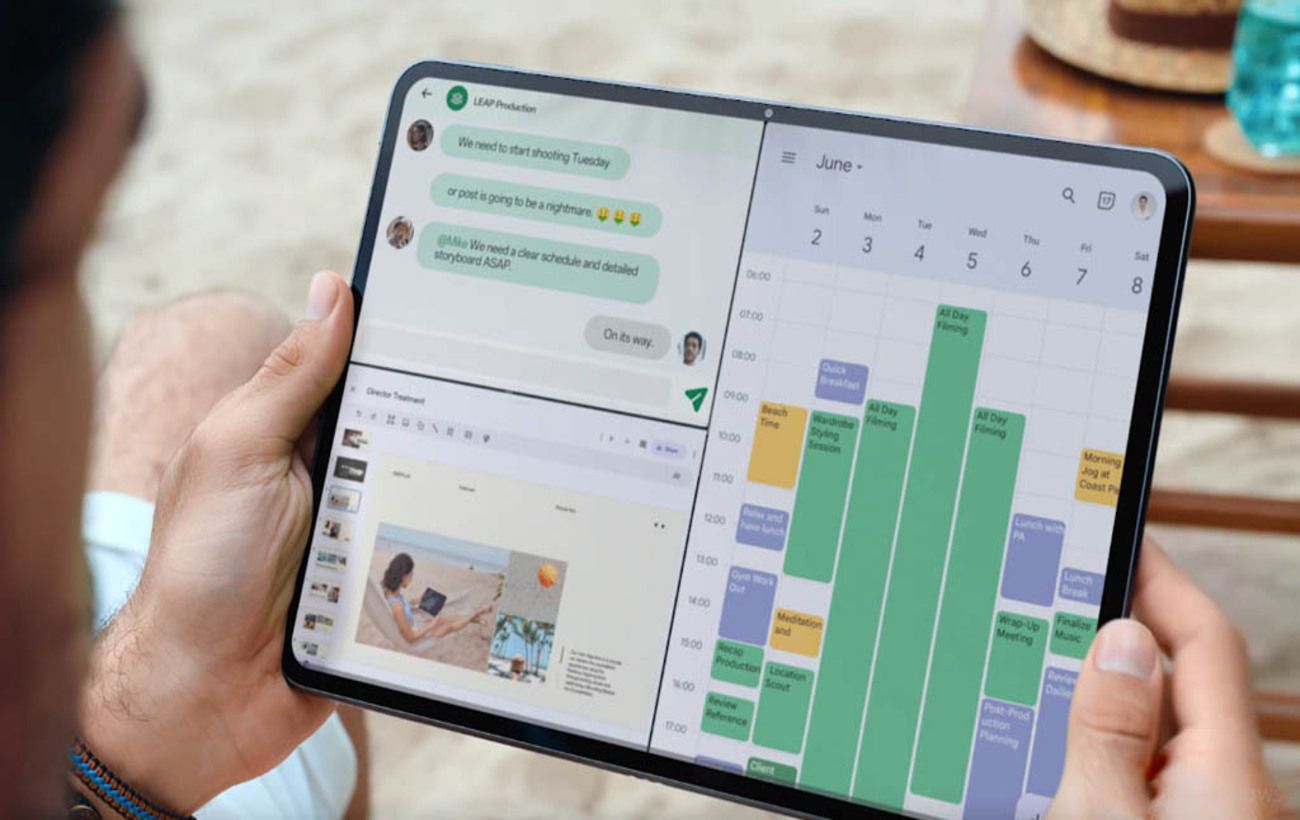
Many users underestimate the split-screen feature on their smartphones, viewing it as a mere novelty. However, this functionality can significantly enhance productivity by allowing simultaneous access to multiple applications.
In an age where misinformation is rampant, verifying information can be cumbersome. Instead of constantly minimizing articles or videos, users can open one half of the screen for content and the other for a search engine like Google. If a questionable statement arises, it can be quickly copied and pasted into the search window for verification without losing track of the narrative.
Long articles or lengthy videos can sometimes feel tedious. The split-screen feature allows users to watch YouTube on one side while keeping a messaging app or news feed open on the other. Unlike the standard picture-in-picture mode, where the video shrinks to a tiny window, split-screen lets users adjust the size of the video player to their preference.
Managing finances can be a hassle when switching between banking apps and calculators. By splitting the screen, users can have all necessary numbers visible at once. This setup is particularly useful for budgeting apps like Splitwise when traveling with friends or planning events.
This feature is a game-changer for those using Android tablets as laptop replacements. Users can open a Google Docs document or a presentation on one side while accessing research sources or work chats on the other.
Sports enthusiasts will appreciate the ability to display a live sports stream on one half of the screen while keeping a statistics app like SofaScore open on the other. This allows for real-time game analysis, although users should be cautious of potential spoilers since text updates may occur faster than the video stream.
When calling customer support, automated systems often require users to input order numbers or client codes. To avoid scrambling for information, users can open relevant documents or emails alongside the dialing interface.
For drivers whose vehicles do not support Android Auto, the split-screen feature serves as an excellent alternative. By securing the smartphone in a holder, users can run Google Maps or Waze on one side while listening to Spotify or Apple Music on the other, providing easy access to navigation and music simultaneously.
In turn-based online games, waiting for an opponent’s move can be dull. Users can keep the game open on one side while browsing Wikipedia, reading news, or chatting with friends on the other side. This way, they can instantly see when their opponent makes a move.
Parents can utilize the split-screen feature to monitor a baby monitor feed on one half of the screen while watching videos or scrolling through social media on the other, ensuring constant supervision.
Few are aware of a hidden feature in the Google Chrome browser on Android. By enabling split-screen mode and opening Chrome, users can select ‘New window’ from the menu. This allows them to view two tabs side by side, making it easier to compare websites.
Additionally, responding to work emails on the go can be challenging, as users often need to refer back to the original message. With split-screen mode, they can have the original email open on one side and their draft response on the other. Samsung users can even run two separate Gmail windows simultaneously, making mobile work feel more like a desktop experience.
The split-screen feature on smartphones is an underutilized tool that can enhance productivity across various tasks. From verifying information to managing finances and multitasking during calls, this functionality offers significant advantages for users.