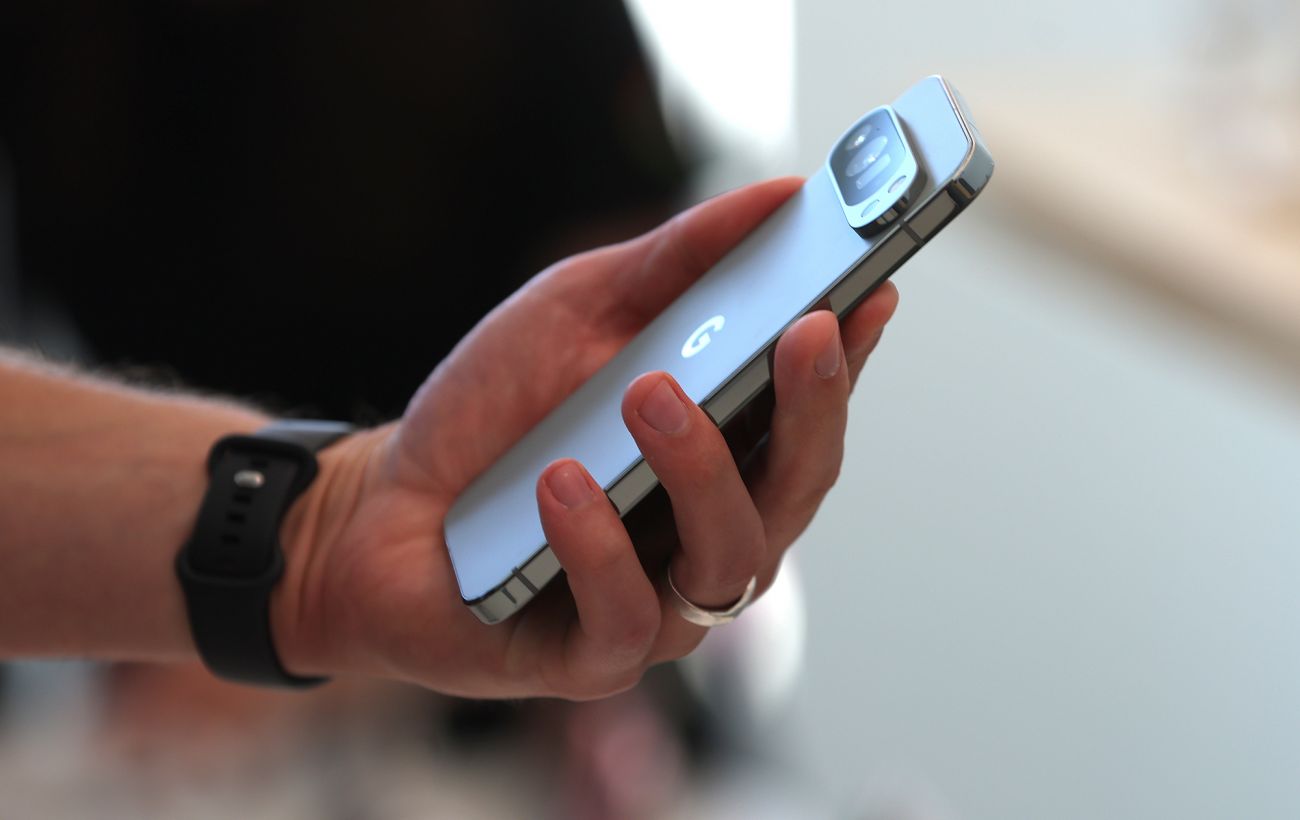
Google has integrated a diagnostic tool within its Pixel smartphones, known as the Pixel Repair Diagnostics App. This application enables users to test nearly all components of their devices.
Activation Process
The diagnostic tool is accessible through the standard Phone app, hidden behind the dialer interface.
To activate the tool:
- Open the Phone app on your Pixel device.
- Navigate to the keypad screen.
- Enter the code *#*#7287#*#*.
Upon entering the code, the system will prompt the user to confirm a stable Wi-Fi connection. After selecting ‘Confirm’, the device will enter diagnostic mode, automatically adjusting the screen brightness to maximum.
Screenshot of the Pixel Repair Diagnostics App (Source: Lifehacker)
Main Testing Modes
Users can initiate diagnostics individually, in groups via the ‘Check Group’ option, or conduct a comprehensive test by selecting ‘Start Test’. Results from previous tests can be accessed from the menu in the upper right corner.
Categories of Checks:
- Visual – tests for physical damage, screen defects, back glass issues, and camera functionality.
- Screen – assesses the touch panel using gestures (taps, swipes) and visually inspects the display for inconsistencies through a series of images.
- Sensors – evaluates the gyroscope (requiring the device to be moved in a figure-eight motion) and the light sensor.
- Connectivity – tests the stability of Wi-Fi and Bluetooth connections.
Diagnostic menu interface on Pixel smartphones (Source: Lifehacker)
Interactive Diagnostics
Some tests necessitate user interaction. For instance, to check the light sensor, users must cover it with their hand, while the ‘Touch Panel’ test requires moving colored balls across the screen with three fingers.
The tool allows users to self-assess results, marking components as ‘Pass’ or ‘Fail’ after visual inspection.
Exiting the diagnostic mode can be done by swiping up or pressing the ‘Home’ button.
Google's Pixel Repair Diagnostics App offers users a comprehensive tool for testing device functionality, covering various components from sensors to connectivity. This feature enhances user autonomy in assessing their devices' health.